 NEXUS
NEXUS01
Your plans, within reach.
Keep drawings and project information close, wherever the next question comes up.
Take your plans, project updates and field records with you. NEXUS brings the workday together, wherever the build takes you.
Android 8.0+ · 11.4 MB
iPhone & iPad · Coming soon
 Scan to open on your phonenexushub.build/download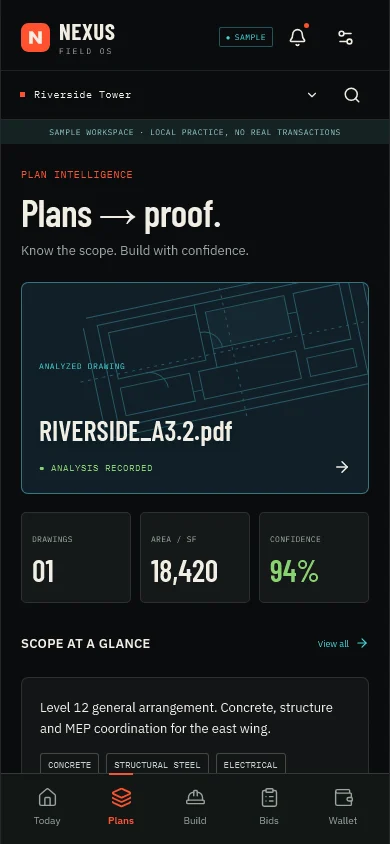
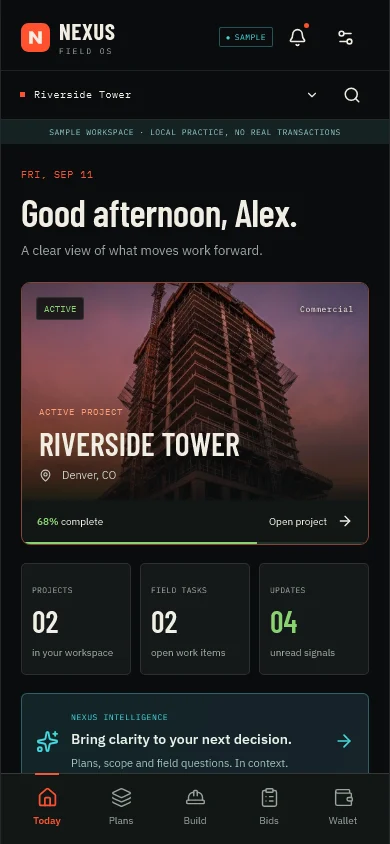
APP PREVIEW · SAMPLE WORKSPACE
Keep drawings and project information close, wherever the next question comes up.
Collect site photos, write daily logs and keep field records in one workspace.
Save a local draft and return to it when you are ready to keep working.
This is an early access build. Explore the sample workspace first; some connected services are still being rolled out.
Download the Android APK on your phone.
Open the file. If Android asks, allow installation from this browser for this download.
Open NEXUS and sign in, or choose “Explore the sample workspace” to take a look.
The Android beta is available from the download page. It covers plans, project updates, and field records.
Not yet. On iPhone and iPad, use the NEXUS web app in a browser.
No. Field records captured in the app still need the same human review as the web product. AI output stays advisory.
Connecting to reviewed NEXUS knowledge…